Download from Maps and Books
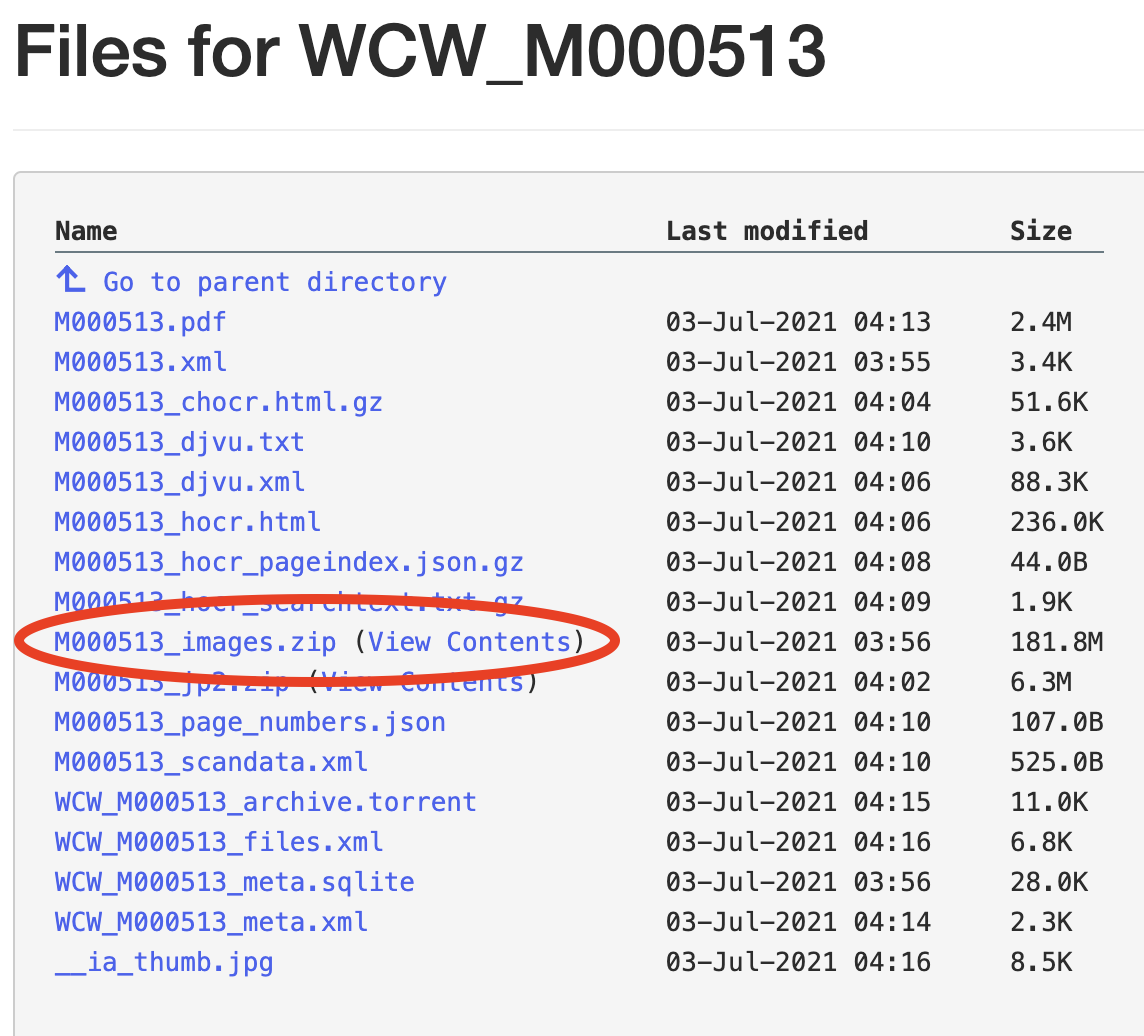
To download a high-resolution file of an individual book page or a map, navigate to the Download Options box and click on SHOW ALL at the bottom.
In this longer list locate the ‘images_zip’ file (highlighted in screenshot on the right) and select ‘View Contents’. From there, select the JPEG (.jpg) file matching the individual page number you are interested in and download that image.