Download TIFF and JPEG
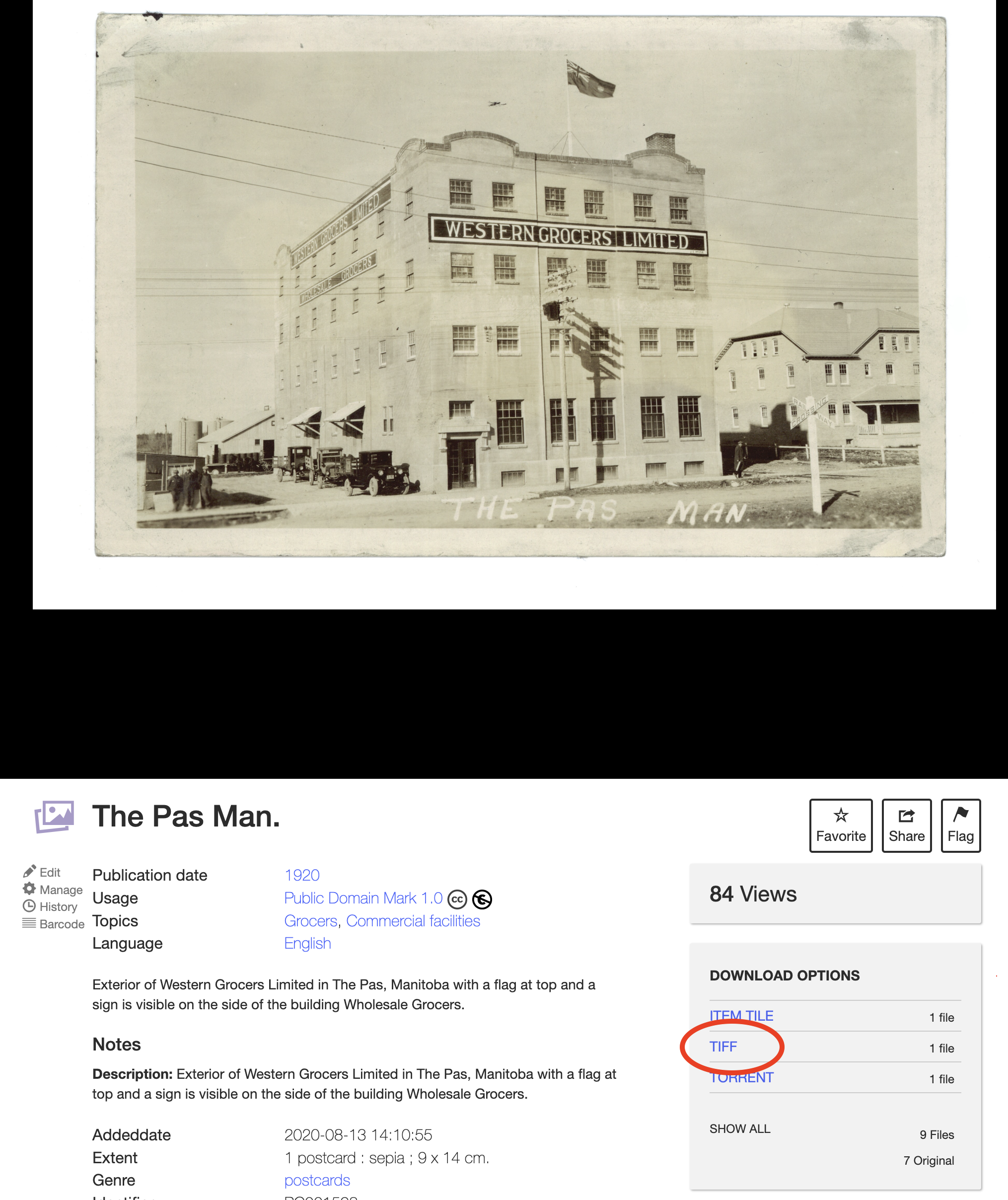
To download high-resolution versions of our images and postcards, like this historical postcard from Waterton Lakes National Park, select the TIFF (.tif) file type from the Download Options box.
To download a lower-resolution image which are easier to share, click on ‘Show All’ at the bottom of the Download Options menu and choose the JPEG (.jpg) file type. A new page with the JPEG image will load and you can save it to your device.