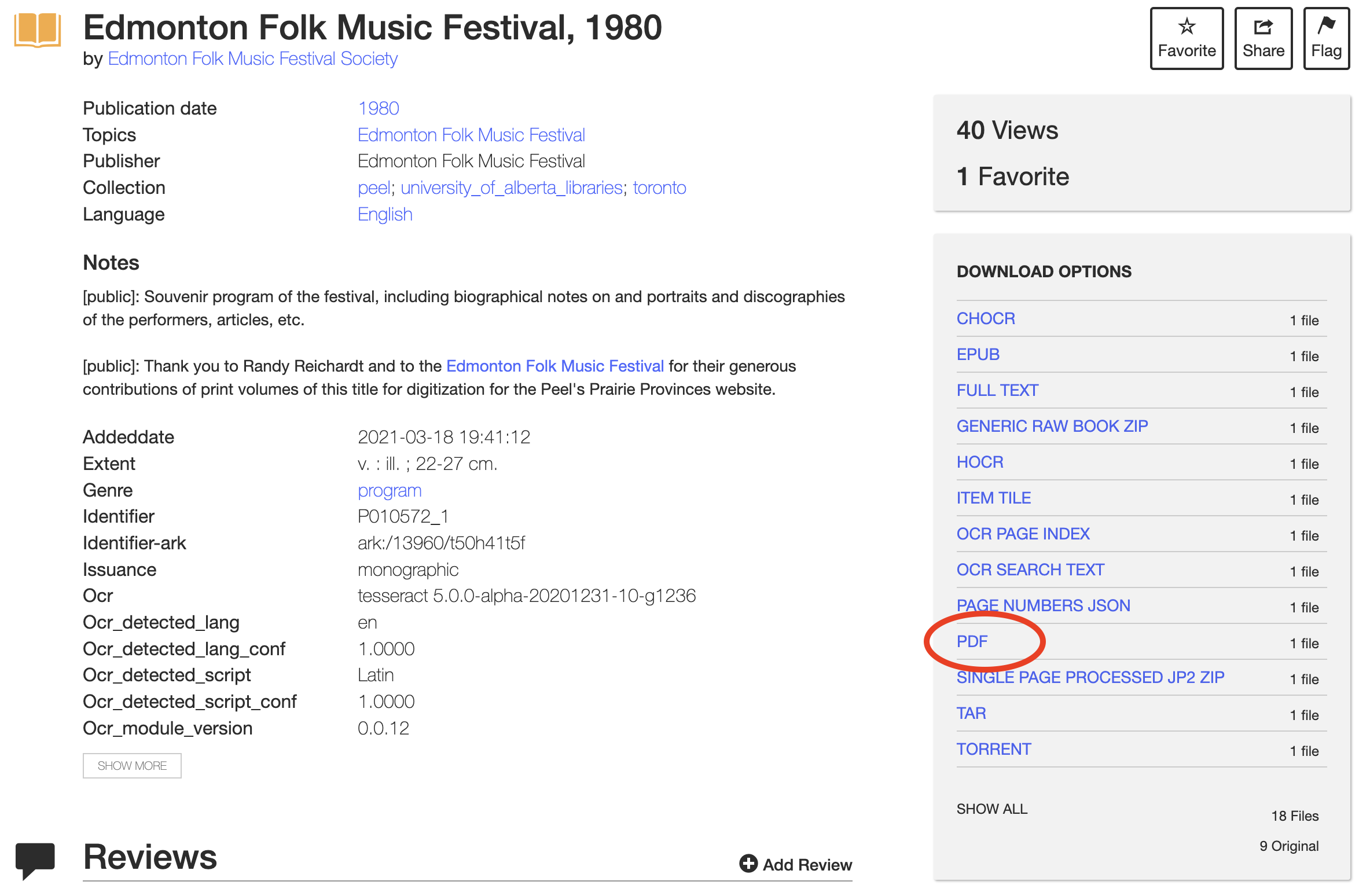
Download EPUB and PDF
The most common file type to read documents later is PDF. To download a PDF, select PDF from the download options, and the PDF will open in a new tab on your browser. You can then save the file to your computer. Other options include an EPUB file to read on an eReader, or the FULL TEXT, which is a plain text of the results from Optical Character Recognition for textual research.