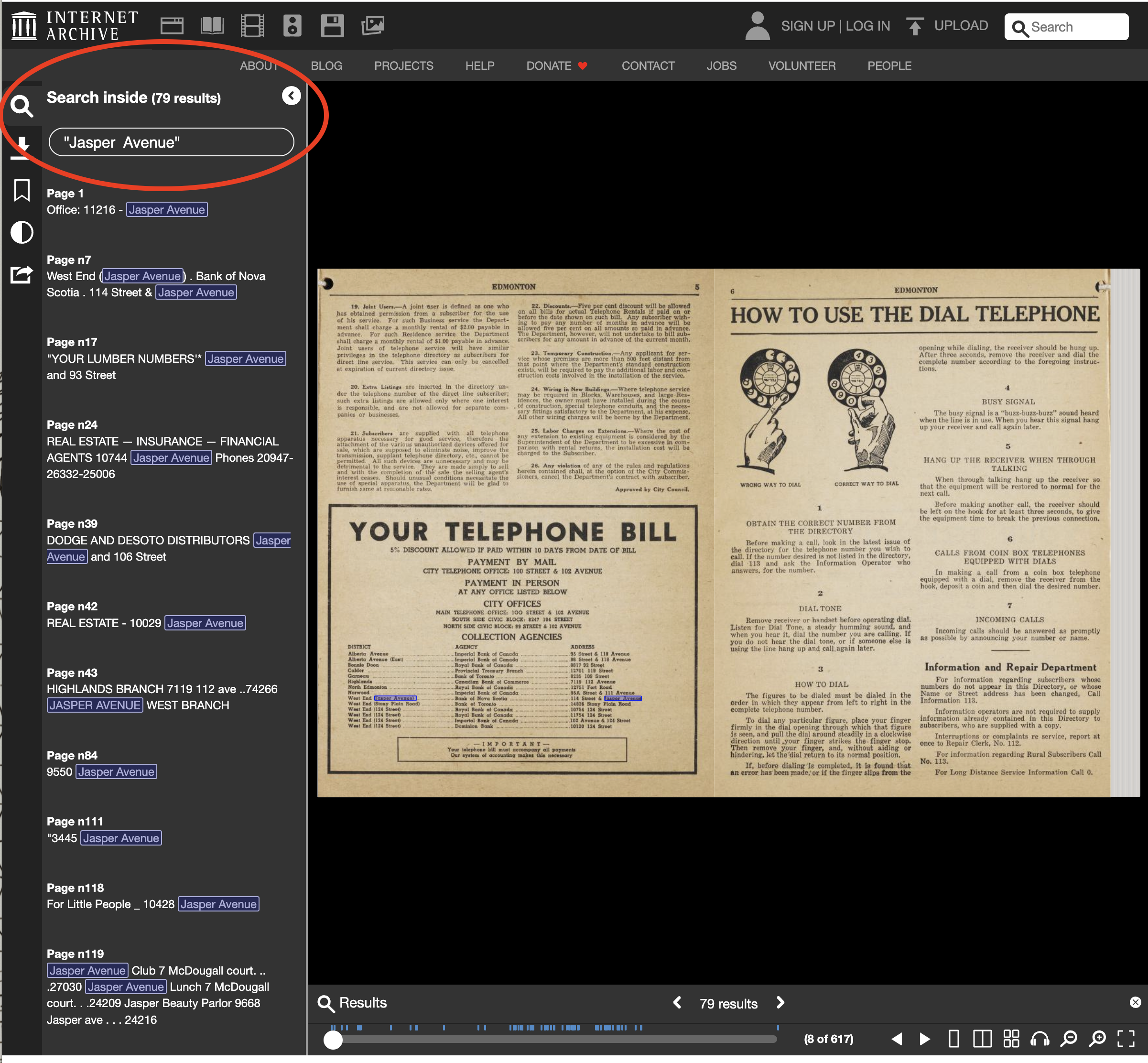
Search in an Item
After you have opened one item, clicking on the magnifying glass icon on the top left hand corner you can search through the full text of one item. This feature is especially helpful if you are looking for a specific person in a large volume like a telephone book or newspaper issue.
Note: Each item is scanned for text using Optical Character Recognition (OCR). OCR is never 100% accurate. Due to this technical limitation, please be aware that searching for things like names or street addresses will sometimes retrieve incomplete or inaccurate results. You may wish to browse individual pages to verify your results.